NASA is using Unity Engine to render Artemis II mission
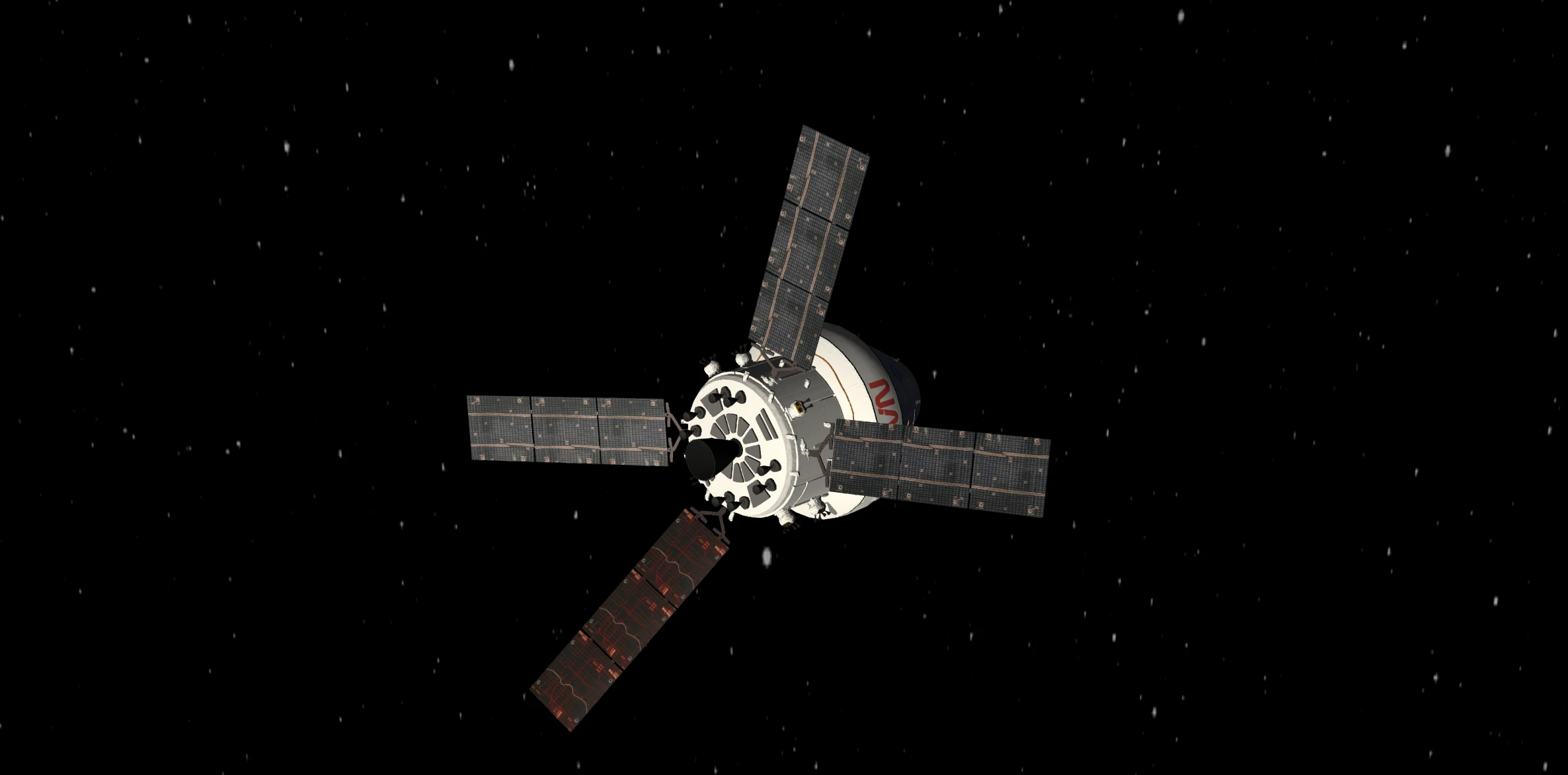
TL;DR: NASA's Artemis Real-time Orbit Website (AROW) runs on Unity. It shows the Orion capsule with live telemetry: mission elapsed time, velocity, distance from Earth, distance to the Moon. You can switch between Mission View and Capsule View, and flip focus between Earth and the Moon. The same engine you prototype with powers a government Moon mission viewer.
I have been following Artemis II and wanted a simple way to watch progress without digging through PDFs and press kits. When I opened NASA’s live mission page, the first thing that jumped out was not only the data, but the fact that the 3D experience is running on Unity.
The page is the Artemis Real-time Orbit Website, or AROW.
I do not know their license deal from the outside, but that screen usually means a non-Pro style build, the kind many of us ship when we are on the free side of the editor. I only know what the startup screen suggests. For a public mission app like this, I still guess the project lines up with Unity’s industry side, the sort of real-time 3D work they talk about on unity.com/industry. That is pure speculation on my part. So yes, the same engine you use for prototypes and shipped games is also sitting under a government Moon mission viewer. After enough budget headlines, the gag almost writes itself. NASA is “too broke” for Unity. That must be why we “never went back to the Moon after the seventies.”
On load you get the Unity splash branding.
What you see in the viewer
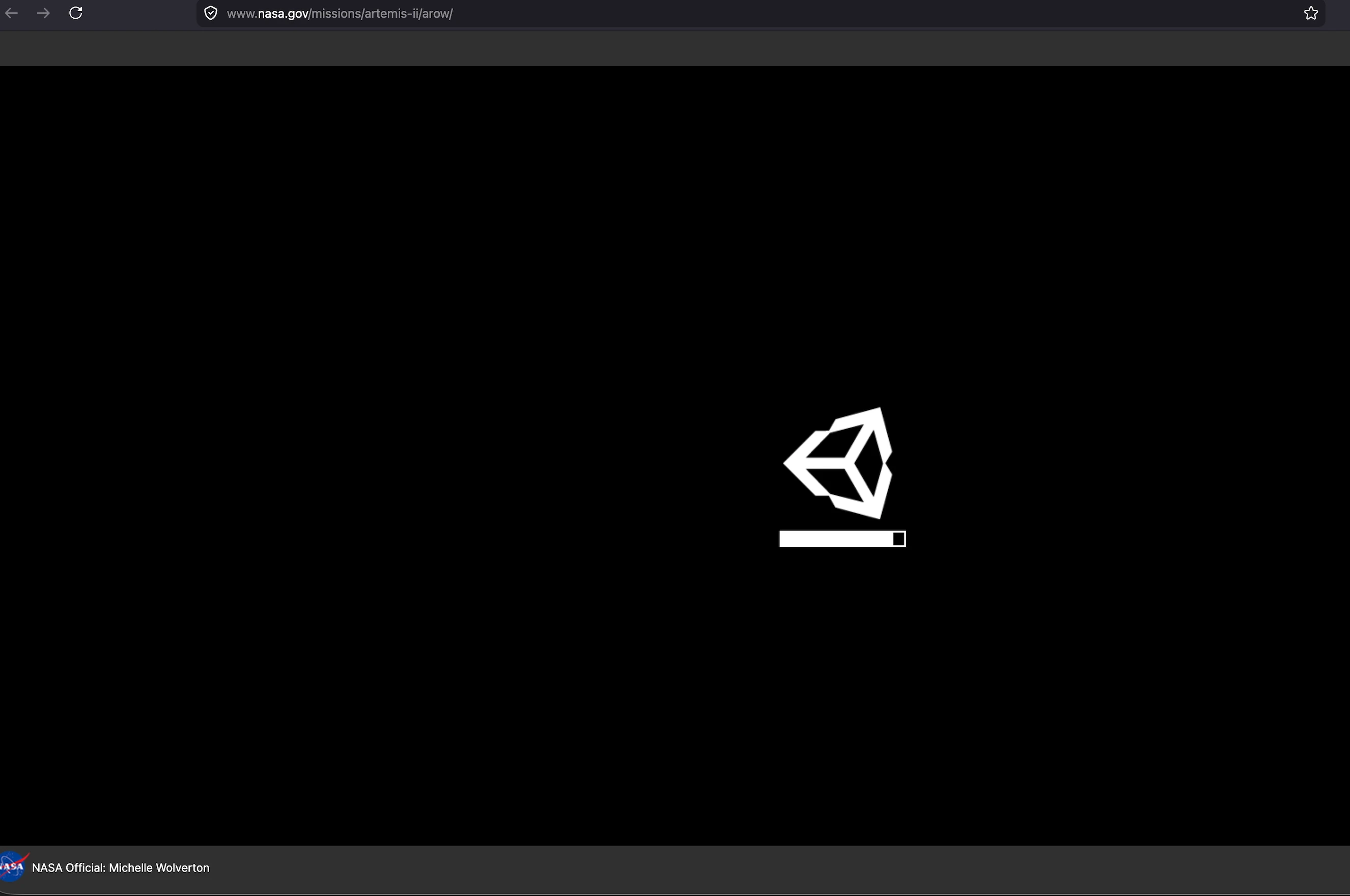
The layout puts the 3D view in the center and wraps it with readouts you can read at a glance. You get mission elapsed time, velocity, distance from Earth, and distance to the Moon. Those numbers update as the mission moves, which is the main reason I keep the tab open.
Mission View and Capsule View
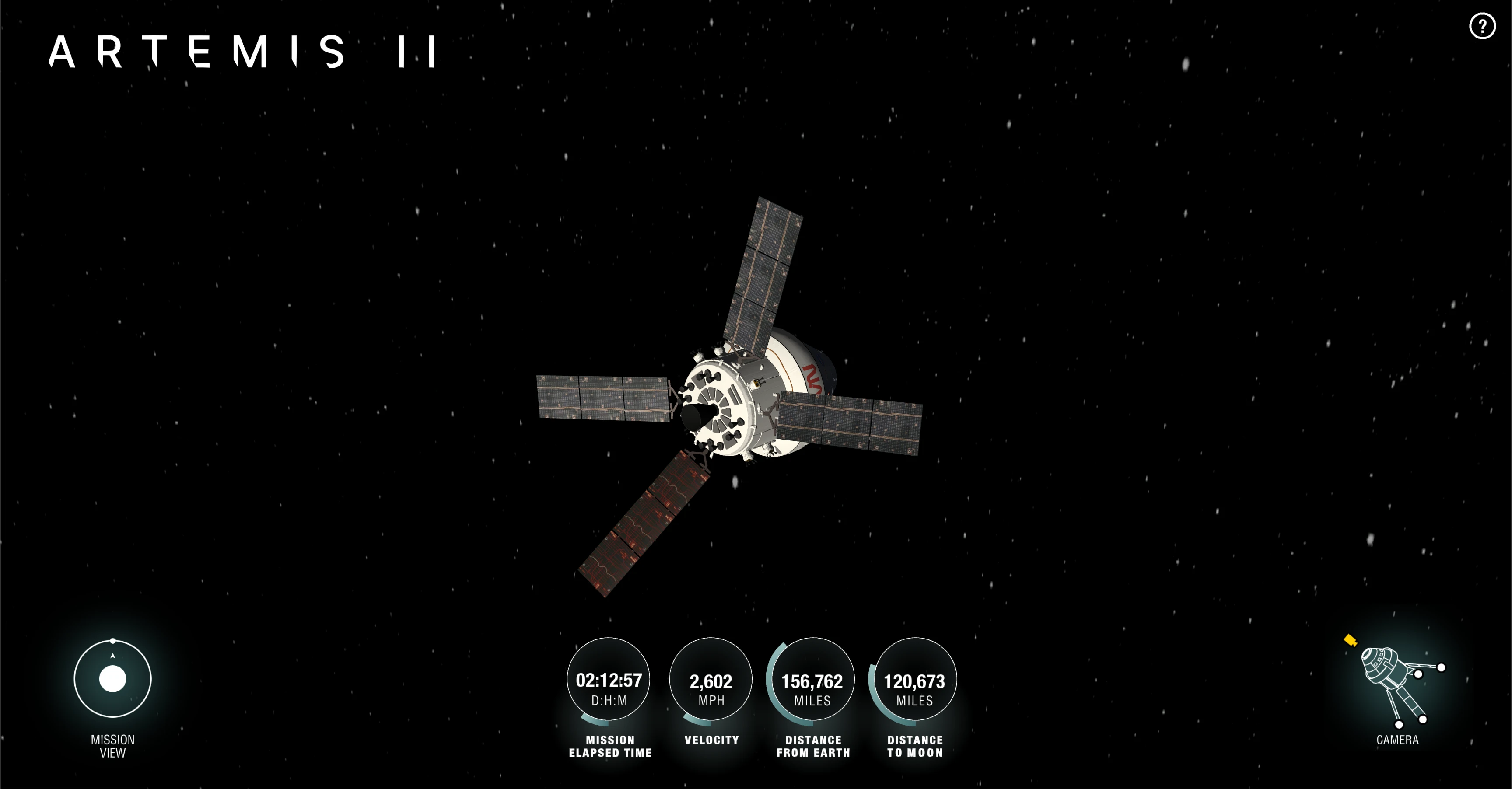
There is a control that switches between Mission View and Capsule View. Mission View pulls back and shows the trajectory arcs so you can see how the path is laid out relative to Earth and the Moon. Orion is NASA’s crew capsule, the vehicle astronauts fly on Artemis missions. Capsule View sticks closer to that vehicle in the 3D scene and reads more like a chase camera on it.
Earth and Moon
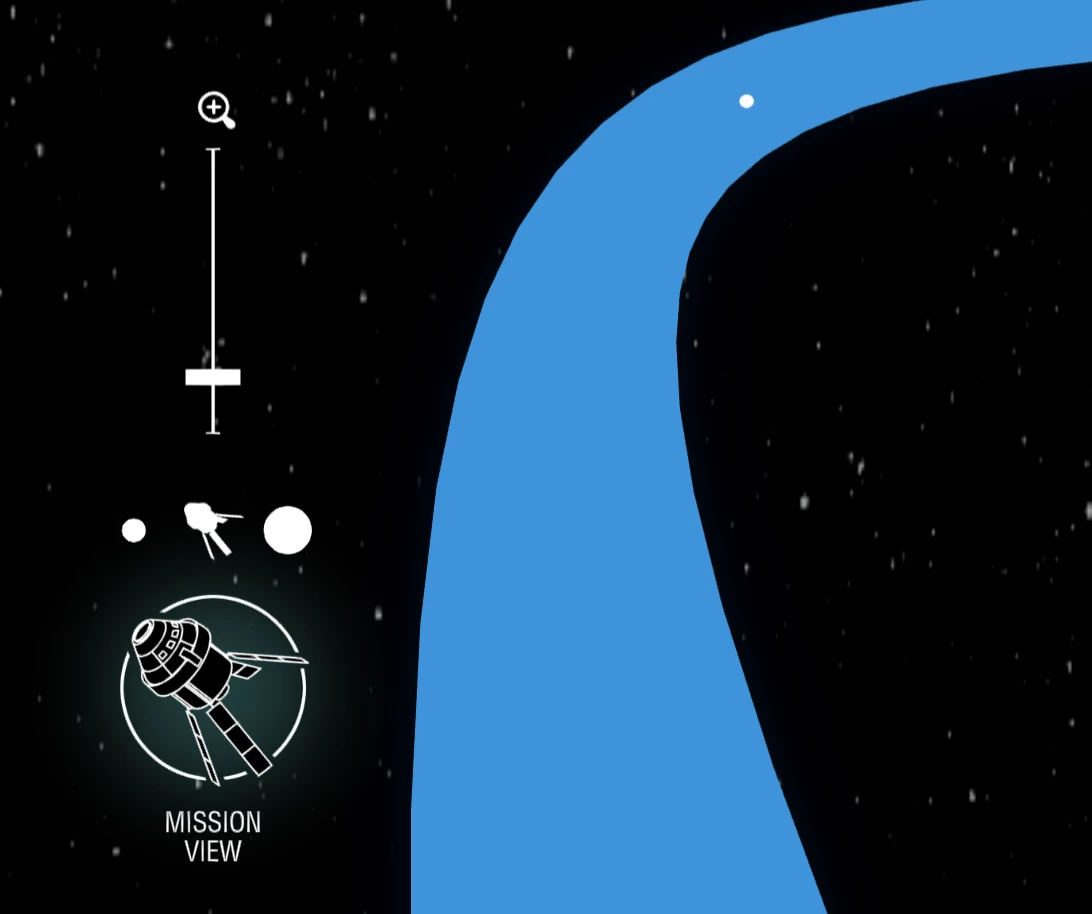
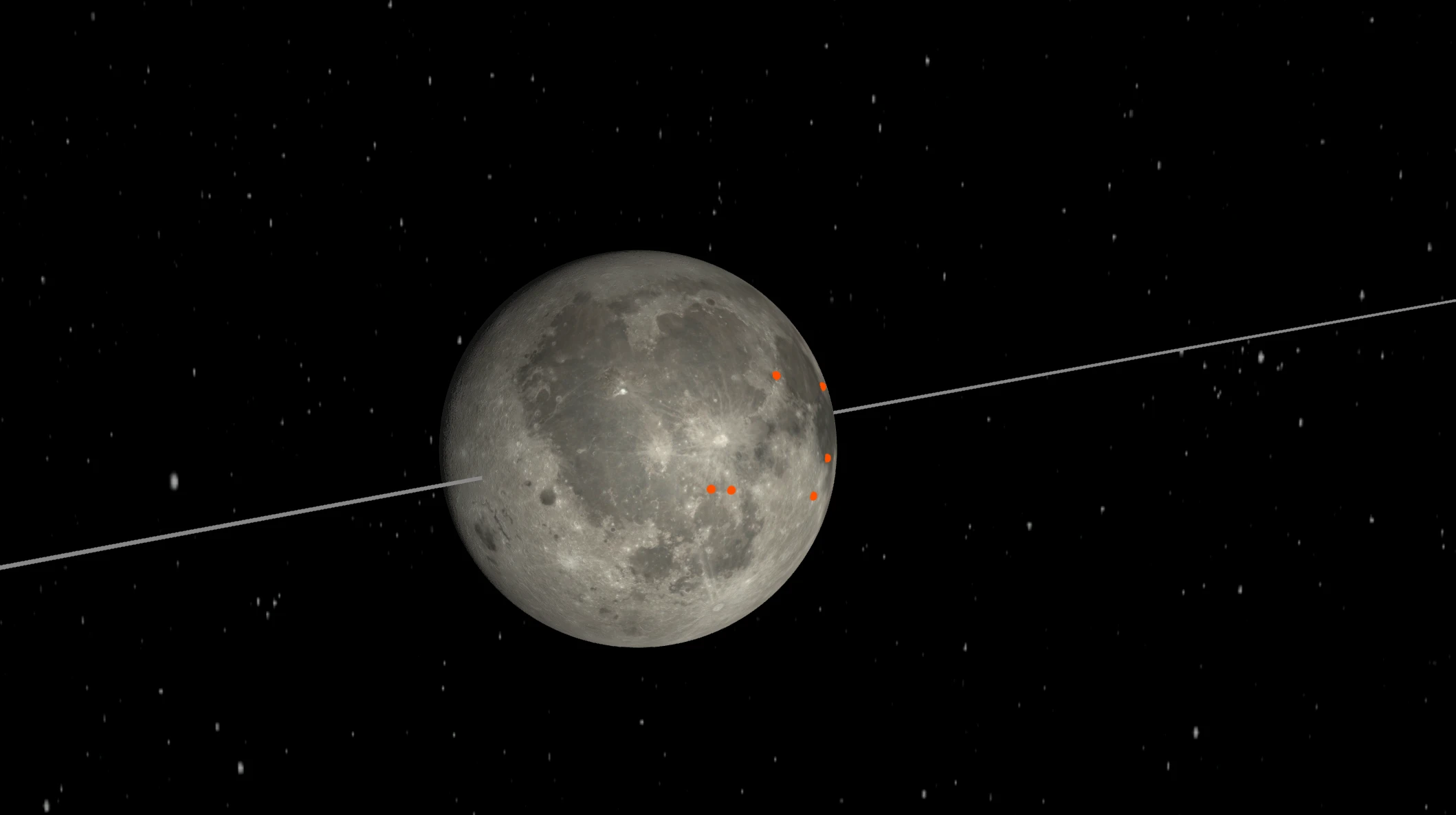
While you are in Mission View you can flip the focus between Earth and the Moon. There is also a slider that zooms toward whichever body you picked, so you are not stuck at one fixed scale.
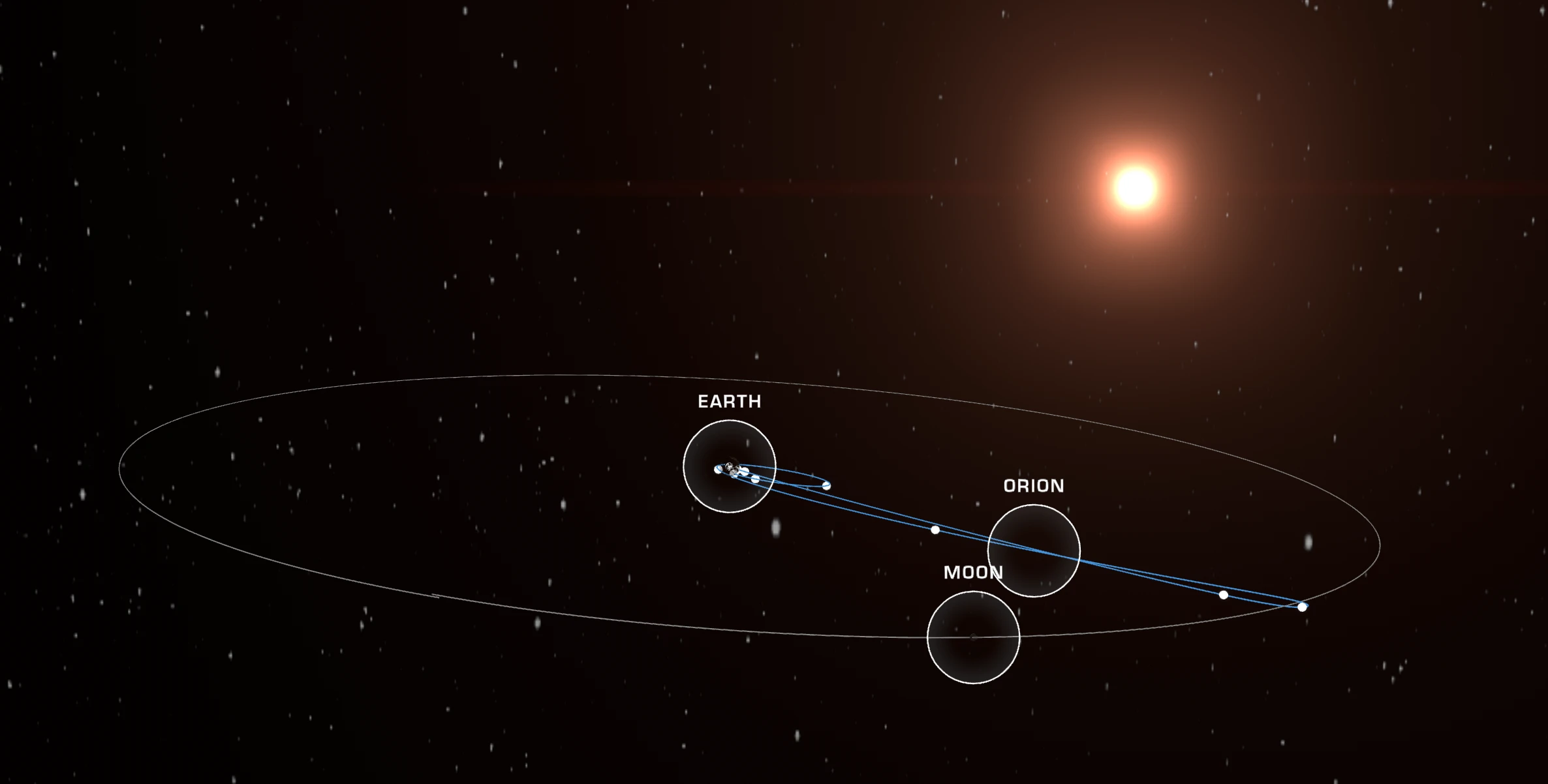
Cameras
The experience uses virtual cameras rigged to the Orion capsule model in the 3D scene, so you are not just orbiting a static model. You move between those modes and distances without leaving the browser. Those views are rendered in the 3D scene. They are not live video feeds from cameras on the real Orion in space. The telemetry can be real, but the pictures are a simulation for the public site.
Screens
Moon-focused framing with the path in frame.
Closer look at the Orion model in the 3D scene.

If you care about real-time 3D, this is a fun example of Unity outside entertainment. It is also a reminder that “serious” and “game engine” are not opposites anymore. Open AROW, let it load, and you get a public mission visualization built with the same stack many of us use every day.
Update
After posting this, I learned a few things about how the Unity branding and loading flow actually works on this page.
The Unity logo that appears during loading is not the Unity splash screen. It is just a PNG file referenced by the website itself, part of the default WebGL template. That image shows while the build downloads. The actual splash screen happens inside the engine once the scene starts, and in this case NASA uses its own branding there instead of Unity’s. So the presence of that logo does not indicate whether this is a free or paid Unity setup.
The build is running on Unity 2020.3.49f1. In that version, removing or replacing the Unity splash screen required a Pro license. That suggests this is not a free tier project. More broadly, licensing details cannot be determined from the outside anyway. Teams can keep or remove branding depending on their setup, version, or internal requirements.
The comment about licensing in the original post was meant as a light joke, but it clearly reads more like a technical claim than intended, so it is worth clarifying it properly here.
The older Unity version also makes sense in this context. Projects like this are usually locked to a stable version early on. Upgrading during development can introduce breaking changes, especially for WebGL builds. For something public facing and tied to a mission timeline, stability matters more than staying current.
The main point remains the same. NASA is using Unity for a public, real time 3D mission viewer. The loading screen just is not something you can draw conclusions from.
Read more on the blog Can you make GTA 6 in Unity?
