A 3D Game Engine That Builds Itself From Natural Language
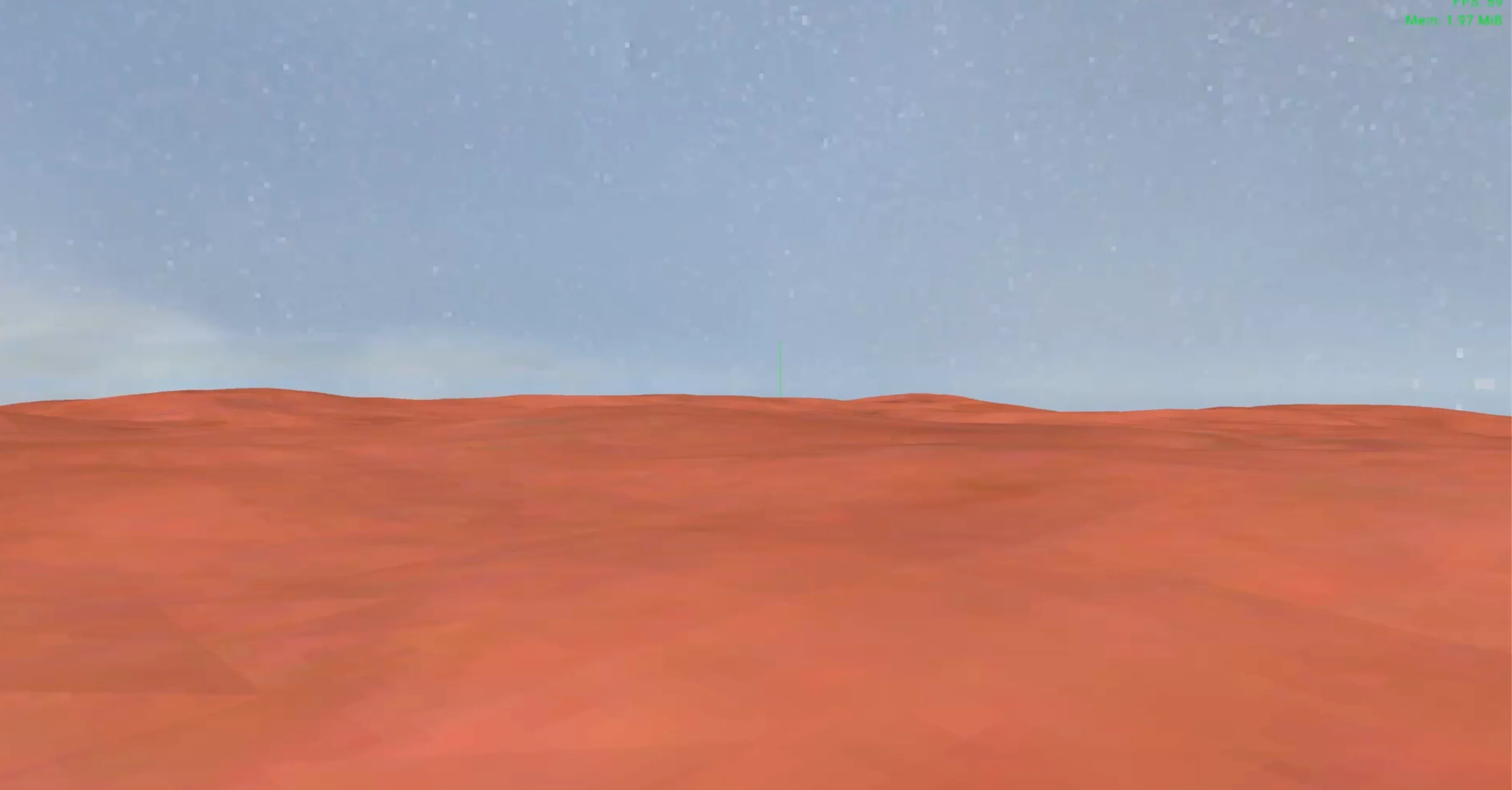
TL;DR: I built llm-game-engine in Go with raylib-go, an Apache 2.0 3D engine where you describe the scene in English and an LLM returns structured actions the engine runs. You can swap between Groq, OpenAI, Cursor, or Ollama, or drop into an in game terminal and fire the same handlers with cmd commands.
A 3D Game Engine That Builds Itself From Natural Language
I built a 3D game engine that builds itself through an LLM: you describe what you want in plain English, and the engine uses an AI model to turn that into game actions—spawning objects, running commands, changing the scene. No scripting required. The LLM drives the engine from inside the running game.
The project is llm-game-engine (Apache 2.0), written in Go with raylib-go for graphics and input.
Why This Exists
As a Unity mentor, I’m used to teaching people to think in hierarchies, components, and C#. But the idea of describing a scene or a mechanic and having the game react immediately is compelling—for prototyping, for learning, and for exploring ideas without writing code first. So I built an engine where the “script” is natural language and an LLM turns it into structured actions the engine already knows how to run.
How It Works
You have two ways to control the engine:
- Natural language — Type a sentence (e.g. “Spawn 10 cubes”, “Create a city with random heights”, “Delete the red cube on the right”). The text is sent to an LLM (Groq, OpenAI, Cursor, or Ollama). The model returns structured actions; the engine applies them. No code generation: the same process uses the LLM to decide what to do, then calls existing handlers.
- Explicit commands — Open an in-game terminal and run commands like
cmd spawn cube 0 0 0,cmd delete selected,cmd lighting sunset. The same internal APIs power both: natural language goes to the LLM and comes back as actions; commands call the same handlers directly.
So whether you type “add 50 spheres in a grid” or cmd spawn sphere ... fifty times, the underlying system is the same.
What You Can Do
Scene and primitives
Shapes: cube, sphere, cylinder, plane. Position is the center; you can set scale (e.g. 1×1×1 default).
Scene file: YAML (e.g. assets/scenes/default.yaml) defines the initial list of objects. The scene loads at startup and can be saved at runtime; anything you spawn is included.
Physics: Per object or global. Gravity and collision on or off.
Scene editor (terminal open)
Select by clicking an object or by description: cmd select right, cmd select cube, cmd select building right. Selected object gets a yellow bounding box and axis arrows.
Move by dragging faces (e.g. top/bottom → XZ plane; sides → Y).
Inspect: cmd inspect for type, name, position, scale, color, physics, motion, texture.
Camera
Free camera (WASD + mouse).cmd focus — point camera at selected object.cmd look right / cmd look cube / cmd look building — look at something by description without selecting it.
View awareness: cmd view lists what’s in view (name, type, distance). When you use natural language (e.g. “delete the building on the right”), the engine can inject a view summary into the prompt so the LLM can choose the right command.
Objects
Spawn: cmd spawn cube 0 0 0 or cmd spawn sphere 1 0 1 2 2 2.
Delete: by selection, by look, by name, by type, by position in view (e.g. cmd delete right, cmd delete all cube).
Duplicate selected object N times; undo last add/delete.
Properties (select first): color, name, motion (e.g. bob), physics on/off.
Textures: from URL (cmd download image <url>) or from file (cmd texture <path>).
Lighting and skybox
Presets: cmd lighting noon | sunset | night.
Skybox from file in assets/skybox/ or at runtime: cmd skybox <url>.
Voice input
Hold Cmd+R (Mac) or Super+R (Linux) to record; release to stop. Audio is transcribed (Whisper) and the text is sent to the chat/LLM like typed input.
What the LLM Can Do (Structured Actions)
The engine does not generate code. The LLM returns action objects that the engine already supports:
add_object — One primitive: type, position, scale, optional color, physics on/off.
add_objects — Many primitives: type, count, pattern (grid/line/random), spacing, origin, optional scale range, color or random color, physics. Used for “spawn 50 cubes”, “city with random heights”, “colorful buildings”, etc.
run_cmd — Run any in-game command by args (e.g. ["grid","--hide"], ["lighting","sunset"], ["screenshot"]).
So “Create a forest” might become several add_object calls (e.g. cylinder + sphere per tree); “Save the scene” becomes run_cmd with ["save"]. The model chooses the actions; the engine executes them.
Tech Stack and Repo
Language: Go
Graphics / input: raylib-go
LLM: Groq (free tier), Cursor, OpenAI, or Ollama
Voice: optional submodule modules/voice-to-text (record + Whisper)
Layout:
cmd/game/ — Entry point; wires logger, terminal, scene, graphics, agent, commands, voice.internal/ — Engine packages: graphics, scene, primitives, terminal, commands, agent, llm, debug, config, logger, ui.internal/agent/ — Natural language → LLM → structured actions → same handlers as cmd commands.internal/llm/ — LLM client (Groq, OpenAI, Cursor, Ollama).assets/ — Skybox, UI CSS, scenes, primitives.
Details and architecture: docs/ARCHITECTURE.md in the repo.
Try It
- Clone:
git clone https://github.com/tomicz/llm-game-engine - Copy
.env.exampleto.envand add an API key (e.g.GROQ_API_KEYorOPENAI_API_KEY). - Run:
go run ./cmd/game(from repo root) orcd cmd/game && go run .
Then type in natural language or use cmd ... in the terminal. Assets (skybox, UI) are optional; see assets/README.md.
Watch: LLM Game Engine – see it in action (YouTube).
Why It’s Fun (For Me)
Prototyping — “Give me 20 cubes in a line” or “city with random heights” without writing a single line of game code.
Teaching — Show how high-level intent (natural language) maps to low-level actions (spawn, move, delete) and how an LLM can sit in the loop without generating code.
One codebase — Same commands for humans and for the LLM; the only difference is who produces the command list.
If you’re into game engines, LLMs, or just want to play with a 3D world driven by text (or voice), check out llm-game-engine on GitHub. I’m happy to hear your ideas and feedback.
