What is Unity C# Job System? Do I need to learn it in 2026?
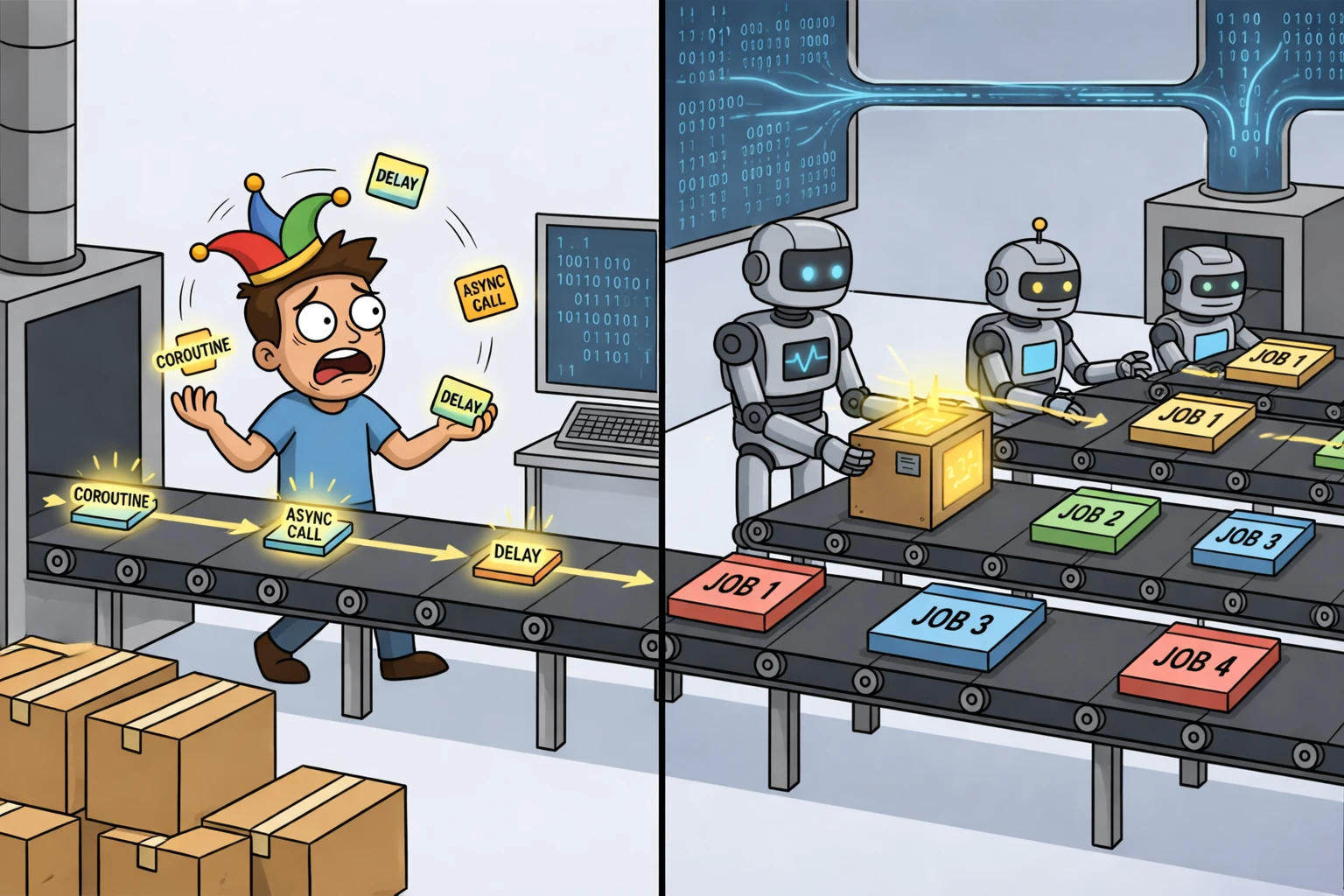
TL;DR: I walk through Unity's C# Job System: what it is, why it exists, and how it schedules struct-based work across CPU cores without breaking the main thread's frame order. It lives next to Burst and Entities in DOTS, but works fine in plain MonoBehaviour projects too. I also clear up the concurrency versus parallelism mixup.
The Unity C# Job System
The Unity C# Job System is Unity's API for scheduling work on worker threads so heavy computation does not stall the main thread. You express that work as small structs that implement job interfaces, pass them to Unity's scheduler, and complete them when you need the results back on the main thread.
It sits in the same performance space as Burst and the Entities (ECS) packages in the DOTS line, but it is not limited to DOTS. Jobs fit just as well in classic MonoBehaviour projects when you have CPU work that should not run in a single long line on the main thread.
If you want more context on DOTS before going deeper on jobs, read this article.
Why the Job System Exists
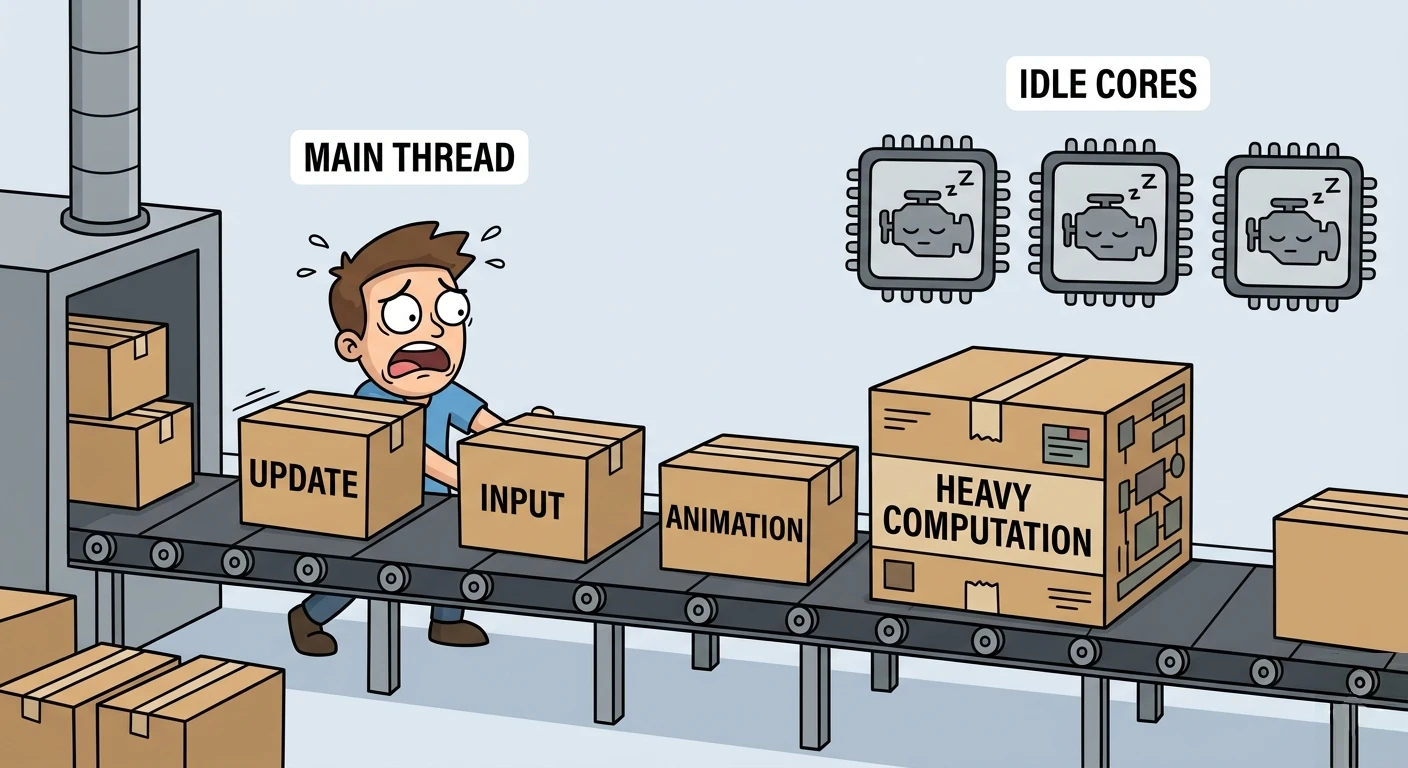
In a typical Unity project, gameplay behaves like a single-threaded system. Update methods, input, animation drivers, and most UnityEngine API calls all execute on the main thread, one after another. If one piece of work takes too long, everything behind it in that same frame gets delayed. It does not take much for a frame to start feeling slow.
Unity keeps that model for a reason. Each frame needs a consistent view of the scene before it can be rendered. The engine walks objects and components in a defined order so it always knows what exists and where. That predictability is what keeps rendering stable. If multiple threads could freely change the same objects at the same time, you would get race conditions, inconsistent state, and visual glitches that are hard to track down.
So most gameplay code stays on the main thread while Unity prepares the frame. Once that work is ready, the GPU takes over. This is reliable, but it leaves CPU cores underused.
Multicore CPUs and Unity's Approach
Modern CPUs are built around multiple cores. Leaving all work on a single thread wastes available hardware. The Job System exists to bridge that gap.
Unity exposes parallel execution, but within strict rules. You cannot freely mutate shared state from multiple threads. Instead, you describe how your data is accessed, and Unity schedules work in a way that keeps memory safe. That constraint is the tradeoff that makes multithreading usable inside the engine.
Concurrency Is Not Parallelism
A lot of confusion comes from mixing up concurrency and parallelism.
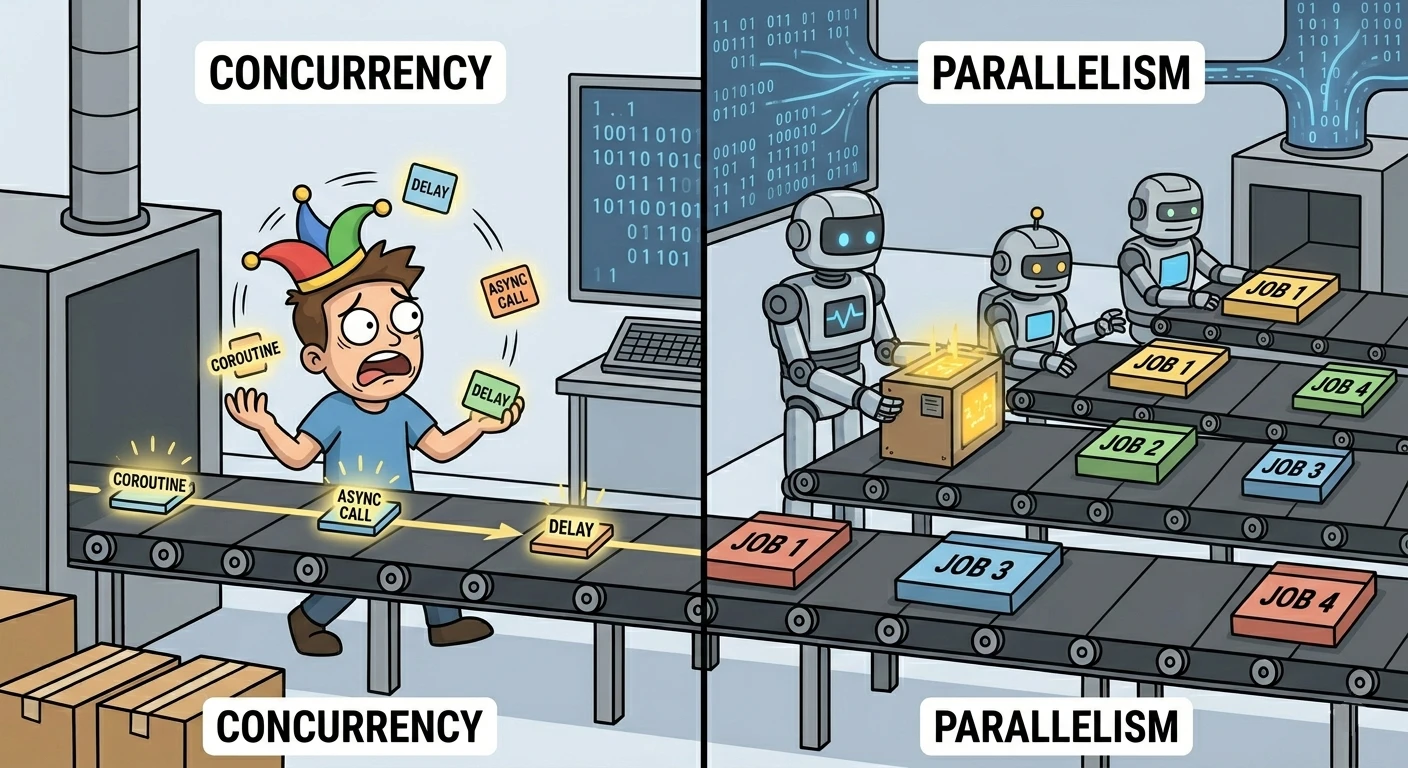
Concurrency is about structuring work over time. A system can start something, pause it, do something else, and come back later. That does not mean multiple CPU cores are executing your code at the same time.
Parallelism is when multiple cores actually run your code simultaneously. That is what matters when you are trying to reduce CPU time for heavy workloads.
In Unity, coroutines, async code, and jobs often appear in the same conversations, but they solve different problems.
Coroutines and Async Code
Coroutines run on the main thread. They let you pause execution and resume later, usually across frames. This is useful for sequencing behavior over time, like delays, fades, or chained actions. What they do not do is make computation faster. A heavy loop inside a coroutine is still a heavy loop on the main thread.
IEnumerator ExampleCoroutine()
{
    yield return new WaitForSeconds(1f);
}
async and await deal with operations that complete later, such as file I/O, network calls, or asset loading. You start the work and continue when the result is ready. This helps you avoid blocking the main thread while waiting, but most of that work is not CPU-heavy.
async Task ExampleAsync()
{
    await Task.Delay(100);
}
Unity's Awaitable follows the same idea. It helps structure when your code continues. It does not distribute computation across cores.
C# multithreading and why jobs are usually the better default
C# and .NET still give you the full toolkit: Thread, ThreadPool, Task.Run, Parallel.For, and so on. Those APIs really can run code on other CPU cores. Nothing stops you from spinning up raw threads inside a Unity project.
The problem is not C#. The problem is Unity's threading contract. Most of UnityEngine is built for the main thread. If a background thread touches transforms, components, or other engine-owned state at the wrong time, you invite races, subtle corruption, and bugs that reproduce only on some machines. You end up writing your own locks, copies, and marshaling back to the main thread for anything that feeds the scene. That is easy to get wrong and hard to profile.
The Job System exists on purpose inside that world. It shares scheduling with Unity's worker pool, understands frame boundaries, and validates how memory is accessed so parallel work stays coherent with the engine. You still think about data and completion, but you are not improvising thread safety against the whole API surface.
// Valid C#: work runs on a thread pool thread.
Task.Run(() =>
{
    double sum = 0;
    for (int i = 0; i < 1_000_000; i++)
        sum += System.Math.Sqrt(i);
    // Still no safe path from here to a Transform or GameObject.
});
There are narrow cases where general .NET threading is still useful, for example long CPU work that never touches Unity objects, or glue code around a third-party library that expects its own thread model. Even then, if the output feeds gameplay or the scene, plan how you merge back on the main thread.
For game simulation and large in-engine data sets, prefer jobs. You get parallelism the engine knows how to schedule, and you avoid becoming the human safety system for every shared field.
Where the Job System Fits
The Job System is the tool that actually targets parallel CPU work.
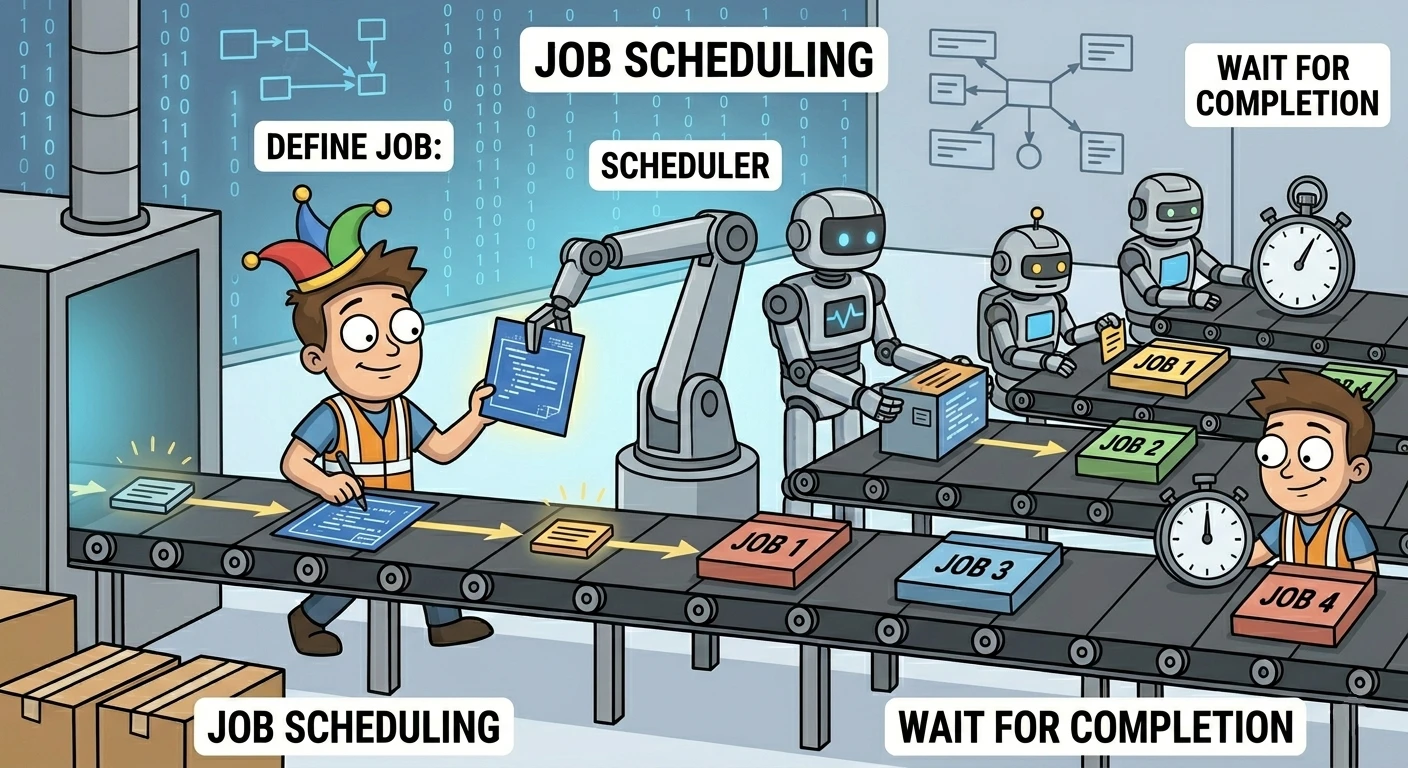
You define small units of work, describe what data they read and write, and let Unity schedule them across worker threads. The safety system enforces rules around memory access so you do not end up with corrupted state.
This is where multiple CPU cores are doing real work at the same time.
Jobs work best when the problem is data-oriented. Large arrays, simulation steps, transform processing, or anything you can break into independent chunks. You schedule the work, let it run in parallel, and complete it on the main thread before using the results.
using Unity.Collections;
using Unity.Jobs;

struct ScaleJob : IJobParallelFor
{
    public NativeArray<float> Values;
    public float Factor;

    public void Execute(int i)
    {
        Values[i] *= Factor;
    }
}

var job = new ScaleJob { Values = values, Factor = 2f };
JobHandle handle = job.Schedule(values.Length, 64);
handle.Complete();
values.Dispose();
Each iteration can run on a different worker thread. You only read the results after completion, once the data is consistent again.
How the Pieces Fit Together
Once you start using jobs, a few patterns repeat.
Work is usually split into batches so multiple threads can process it at the same time. Data lives in native containers, where you declare whether it is read-only or writable. Jobs are scheduled and chained through handles, and you complete them when the main thread needs the results.
Not every job needs to be parallel-for. Sometimes one job that runs off the main thread is enough to remove a spike.
The pattern stays the same. Move work off the main thread, keep data access explicit, and synchronize only when needed.
Jobs, Burst, and ECS
These three often show up together, but they solve different parts of the problem.
The Job System handles scheduling and parallel execution. Burst compiles job code into optimized native instructions. ECS defines how data is laid out so jobs can process it efficiently.
A common setup is ECS for data, jobs for execution, and Burst for performance. But each piece can be used on its own. You can write jobs without ECS, and you can run jobs without Burst.
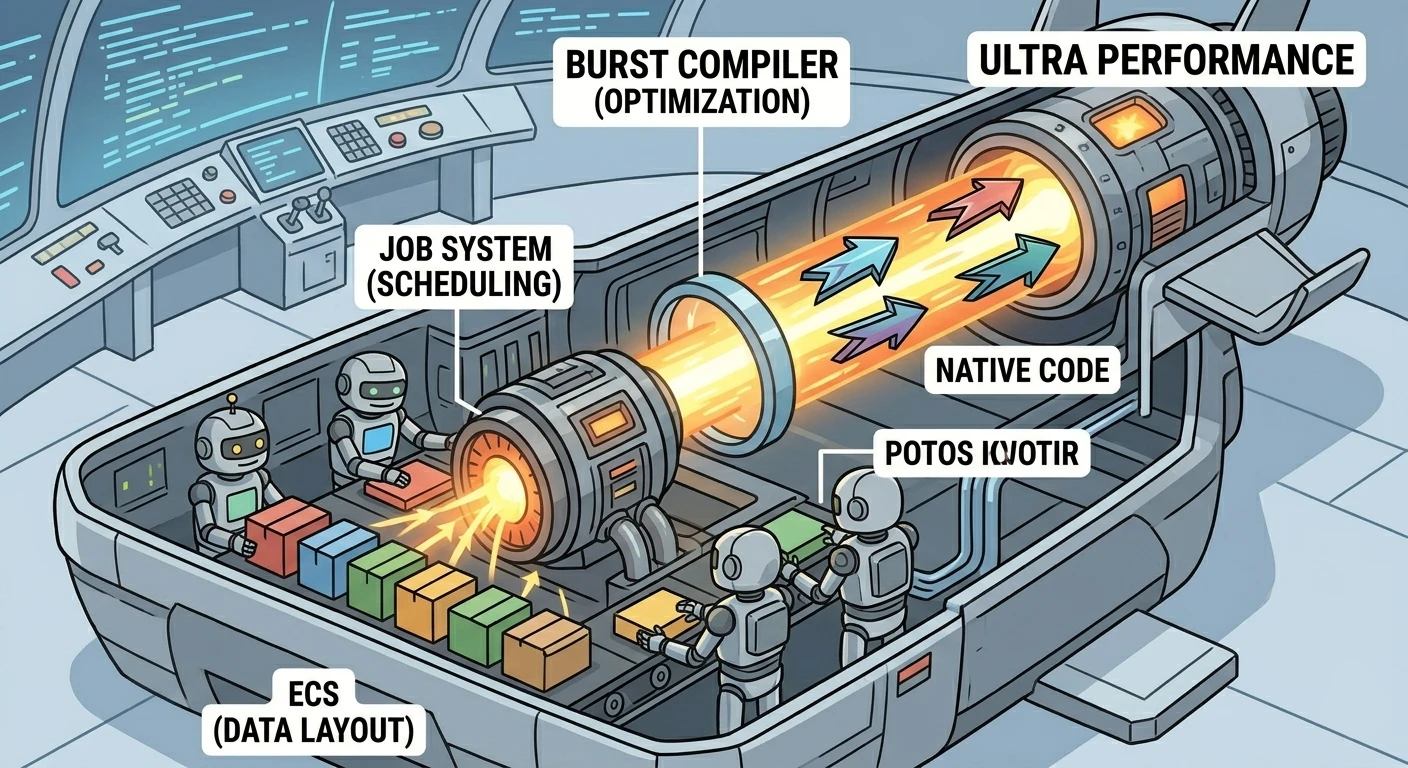
If the DOTS umbrella still feels abstract, the earlier overview of DOTS is a good place to zoom out.
When It Actually Matters
Most Unity projects do not need jobs at the start. If your bottlenecks are rendering, physics, or general scene complexity, jobs are not the first thing to reach for.
They become relevant when the main thread is the bottleneck and the work can be split into independent chunks. Large simulations, procedural systems, or anything that processes a lot of data every frame are typical cases.
How I Think About It
I treat the Job System as part of performance literacy, not as a default tool.
If the Profiler shows the main thread is the problem and the work can be parallelized, jobs are worth the complexity. If not, keeping things simple usually wins.
At a high level, the distinction is straightforward. Coroutines and async code help you structure and wait. The Job System is what you use when you actually want to use multiple CPU cores at the same time.
Read this next: What is Unity DOTS? Is Unity DOTS worth learning in 2026?
