Why You Should Switch to the New Unity Input System (and Never Look Back)
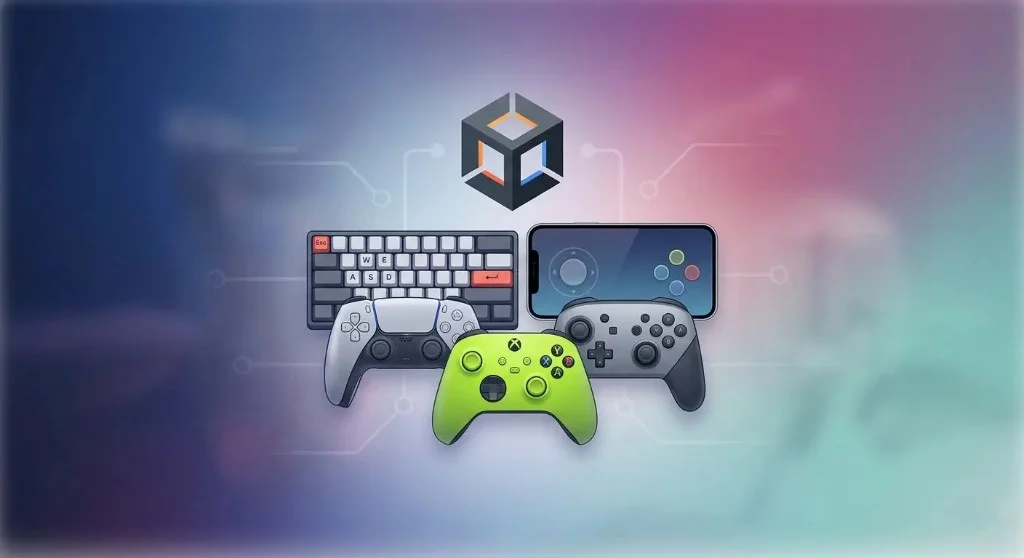
TL;DR: Input.GetKeyDown and GetAxis still work, but the Legacy Input Manager stopped scaling. I explain why the New Input System matters: defining Input Actions like Jump or Move decouples gameplay from hardware, so keyboard, gamepad, or rebinding support stops being glue code. It is a full mental shift from keys to player intent.
If you have been working in Unity for a while, Input.GetAxis("Horizontal") and Input.GetKeyDown(KeyCode.Space) probably feel like second nature. They are simple, reliable, and for years they were the default way to handle player input.
The problem is not that they stopped working.
The problem is that modern game development moved forward, and the Legacy Input Manager did not.
Today, even small indie games are expected to support multiple input devices, rebinding, accessibility features, and clean transitions between gameplay states. What used to be "simple input code" quickly turns into scattered conditionals, duplicated logic, and hard-to-maintain systems.
The New Input System is Unity's answer to that complexity. It is not just a replacement. It is a fundamentally different way of thinking about input.
If you are still building your Unity fundamentals, this is also one of those topics where following a structured learning roadmap helps you understand when convenience starts turning into long-term technical debt. The smaller input habits matter just as much, like reading input in Update and applying movement in FixedUpdate, which I cover in 10 essential Unity tips.
From Keys to Intent: The Real Paradigm Shift
The biggest conceptual change in the New Input System is moving away from checking keys and toward reacting to player intent.
In the legacy system, your code constantly asks questions about hardware. Is this key pressed? Is that button down? Even when using named inputs like "Jump", you are still relying on strings that live outside your code and can easily drift out of sync.
This creates tight coupling between your gameplay logic and your input configuration.
The New Input System breaks that connection.
Instead of writing code that depends on specific keys, you define Input Actions like Jump, Move, or Shoot. These actions act as a layer of abstraction between hardware and gameplay. Your code listens for actions, not keys.
That small shift has a massive impact. It allows your gameplay systems to remain completely independent of how input is delivered. Whether the player uses a keyboard, controller, or something else entirely becomes irrelevant to your core logic.
This is not just cleaner. It is how scalable systems are built.
Real Multi-Device Support Without Hacks
Supporting multiple input devices in the legacy system often leads to messy solutions. You end up writing additional checks or duplicating logic just to handle controllers alongside keyboard input.
It works, but it does not scale.
The New Input System solves this at the data level. Multiple devices can be bound to the same action, meaning a single Jump action can respond to a keyboard key, a controller button, or a VR trigger without any changes to your gameplay code.
Even better, Unity introduces Control Schemes, which allow you to define entire input setups for different device types. The system can automatically switch between them depending on what the player is using.
This is the difference between supporting multiple devices and actually designing for them.
The AZERTY Problem and Why It Actually Matters
Keyboard layouts are one of those problems that many developers ignore until players start complaining.
Binding movement to the W key assumes a QWERTY layout. On AZERTY keyboards, that assumption breaks immediately. While Unity attempted to patch this in the legacy system, the solution is incomplete and often leads to incorrect UI prompts.
The New Input System handles this properly by separating physical key positions from their displayed names. You bind to a physical key location, and Unity automatically resolves the correct label based on the user's keyboard layout.
This means your controls remain consistent across regions, and your UI displays the correct prompts without additional work.
If you care at all about shipping a game globally, this is not a minor detail. It is essential.
Action Maps and Clean State Management
Input bugs caused by state conflicts are extremely common in Unity projects. A player opens a menu and suddenly triggers gameplay actions in the background. The usual fix is to add conditional checks throughout your code to block input when necessary.
This approach works, but it creates fragile systems that are difficult to maintain.
The New Input System introduces Action Maps, which allow you to group inputs by context. Instead of filtering input manually, you simply enable or disable entire groups of actions depending on the current state of your game.
When the player enters a menu, the gameplay inputs are disabled and UI inputs are enabled. There is no overlap, no leakage, and no need for defensive checks scattered across your codebase.
This leads to a much more predictable and maintainable architecture.
It is also the kind of architectural thinking that improves much faster when someone experienced can review how your systems are wired together, which is a big part of what I focus on in my mentorship program.
Rebinding Without the Pain
Custom keybinding used to be one of the most annoying systems to build in Unity. It required handling input detection, conflict resolution, UI updates, and saving data manually.
Because of that, many projects either implemented it poorly or skipped it entirely.
The New Input System changes this by making rebinding a built-in feature. It provides APIs for interactive rebinding and straightforward methods for saving and loading user preferences.
What used to take days of work can now be implemented in a fraction of the time.
From a player perspective, rebinding is expected. From a developer perspective, it should not be a headache. The new system finally aligns those two realities.
Event-Driven Input and Why It Feels Better to Use
The legacy input system is based on polling. Every frame, your game checks whether certain inputs are active. This model is simple, but it leads to code that constantly runs even when nothing is happening.
The New Input System is event-driven. Your code reacts only when input occurs.
While the raw performance difference is not always dramatic, the architectural benefit is significant. Your code becomes more focused, easier to read, and easier to maintain.
There is also a subtle but important advantage: input events are processed through a queue. This makes the system more reliable in situations where inputs happen very quickly, reducing the chance of missed button presses.
For certain types of games, that level of precision matters.
The performed += ... callbacks you wire to each Input Action are C# events under the hood. This is where most Unity devs write code that silently breaks. If you are unsure about Action versus UnityEvent, or why using = wipes out every existing subscriber, I covered it in Most Unity devs still don't understand events.
Built for Modern Features (Multiplayer, Debugging, Tools)
Beyond the core improvements, the New Input System also includes features that are difficult to replicate with the legacy approach.
It provides built-in support for handling multiple players and devices, which simplifies local multiplayer setups. It also includes debugging tools that let you inspect input devices and events in real time.
These are not just "nice to have" features. They are part of what makes the system viable for larger, more complex projects.
When It Actually Makes Sense to Stay on Legacy
To be fair, the New Input System is not always the right choice.
If you are building a very small prototype or participating in a game jam, the legacy system is still faster to set up. Its simplicity can be an advantage when you just need something working immediately.
There is also a learning curve. The concepts are different, and the initial setup can feel heavier than the old approach.
But these downsides are short-term.
As soon as your project grows beyond the basics, the limitations of the legacy system become much more expensive than the cost of switching.
Final Verdict: This Is an Architectural Decision
Switching to the New Input System is not just about getting better input handling. It is about choosing a better foundation for your project.
The legacy system encourages input code that is scattered, tightly coupled, and difficult to scale. The new system encourages a structure that is modular, data-driven, and aligned with modern development practices.
That difference becomes more important over time.
If you are starting a new Unity project today and you plan to take it seriously, there is very little reason to build on top of Input.GetKeyDown. The New Input System is not just the future. It is already the standard for any project that needs to scale.
And once you fully adapt to it, going back does not feel simpler.
It just feels limiting.
